
Phone calls
Live Call Coach
Make calls inside the app and request concise, context-aware wording as the conversation unfolds.
HUMAN AMBITION. AI CLARITY.
Your AI negotiation coach for the moments that matter. Prepare your strategy. Find the words. Move the conversation forward—with real-time guidance across calls, conversations, and texts.
Available to customers whose Apple Account country or region is set to the United States. Apple will notify you and automatically download NegotiKim on release day. You can also sign up for release updates.
“What would make this work for both of us?”
Everything in one workspace
NegotiKim supports the full negotiation workflow—from preparation and live guidance to messaging, voicemail, customer history, and follow-up.
Phone calls
Make calls inside the app and request concise, context-aware wording as the conversation unfolds.
In the room
Open a speaker-aware coaching session for in-person conversations, with live transcript labels and next-move guidance.
Messaging
Keep inbound and outbound messages in one thread, then review AI-prepared replies before sending.
Missed calls
Play, track, and delete voicemail from the workspace. Saved callers are matched to customer names when possible.
Before you engage
Prepare goals, scripts, objections, fallback positions, and confident responses before a real negotiation begins.
After the conversation
Capture the discussion, outcome, promises, and follow-up items in a searchable customer and call history.
Share the result
Email a readable negotiation summary to the workspace address or choose a different destination when needed.
Stay organized
Organize customer details, calls, messages, and outcomes, with optional permission-based iPhone contact import.
Make it yours
Choose Real Estate, Financial Coaching, Sales and Closing, or General Negotiation, then set the goal, coaching role, tone, playbook, caller introduction, and business number.
Control & transparency
Use audible call disclosures, participant confirmations, recording controls, usage visibility, and data-deletion tools.
The pain
NegotiKim keeps the goal, context, and next move visible while the conversation unfolds.
Get calm wording for objections, counteroffers, escalation, and follow-up requests.
Use short, practical scripts designed for live calls instead of long generic advice.
Learn NegotiKim
Start with the four-feature overview, then explore a walkthrough for each way to use NegotiKim.
Our welcome tutorial will be available here soon.
Choose the workflow you want to learn and watch its walkthrough below.
Get to know your NegotiKim workspace, choose your conversation type, and find the tools to prepare, practice, and follow up.
Set your goal, explore possible objections, and rehearse your next move before the conversation begins.
Get concise coaching during face-to-face conversations while staying in control of what you say. Obtain required participant consent before using live audio or transcription.
See how to use practical suggestions, objection handling, and next steps during a phone conversation. Obtain required participant consent before using live audio or transcription.
See how eligible business workspaces organize consented customer texts and help you review AI-prepared replies before sending. Business setup and message opt-in requirements apply.
How it works
Select a customer, define the goal, choose a coaching style, and practice the strongest opening.
Use live calls, Conversation AI, or business texting and request the next suggestion when you need it.
Save transcripts, summaries, messages, voicemail, outcomes, and follow-up actions in the workspace.
Product preview
NegotiKim keeps each customer, negotiation goal, call, text thread, voicemail, transcript, and summary connected. Guidance is shaped by the selected workspace and the outcome you are trying to reach.
Pre-register for launch
Pre-register for NegotiKim with a United States Apple Account to receive a notification when the app launches.
Pre-registration on the App Store and Google Play is available in the United States. Sign up before launch.
The production app brings live coaching, Conversation AI, business texting, voicemail, customer follow-up, and account controls into one iPhone experience as soon as the App Store release is approved.
Use cases
Internet, phone, cable, insurance, and other recurring services.
Navigate retention flows without getting pulled into a new offer you do not want.
Ask for credits after outages, billing mistakes, late deliveries, or poor service.
Keep the conversation calm, documented, and focused on the desired result.
Renegotiate software, telecom, fulfillment, or operations contracts.
Track what was promised so agreed changes do not disappear after the call.
NegotiKim for Enterprise
Give customer-facing teams one place to prepare a strategy, make or receive calls, exchange consented business texts, review voicemail, and keep a clear record of what happened next. Enterprise licensing inquiries are welcome. Talk with us about your team size, expected usage, and workflow needs.
Give teams a structured way to review the customer, target outcome, boundaries, objection responses, and fallback positions before the conversation starts.
Use configurable coaching preferences for phone calls, open conversations, and text replies while keeping the user in control of what is said or sent.
Keep transcripts, messages, voicemail, summaries, promised actions, and account notes together so the next person can quickly understand what happened.
Your context. More relevant guidance.
NegotiKim’s dedicated, proprietary retrieval-augmented generation (RAG) system is designed to bring relevant workspace knowledge into AI coaching. In enabled enterprise workspaces, it retrieves approved information for your selected negotiation scenario to help tailor suggested wording, objection handling, and next steps.
Relevant policies, product details, and playbooks can inform coaching when your organization adds and approves them. Access controls, scenario matching, and source expiry help keep retrieved context relevant.
Your selected scenario and conversation goals guide the coaching. Review suggestions before using them; retrieved information can be incomplete, and AI can make mistakes.
At launch, NegotiKim’s data masking will replace detected identifiers, such as email addresses, supported phone numbers, and account identifiers, with placeholders in selected coaching text and saved call content.
Detection can miss sensitive details. Original audio still reaches calling and transcription services before text masking. This feature does not remove original contact records, recordings, or existing backups.
Planned experience
Planned-experience preview: this video describes the intended finished RAG and masking workflows. Production masking and organization-specific knowledge connections are not yet verified; qualified privacy review remains outstanding.
Trust first
Kim Tech LLC positions NegotiKim around user control, privacy-aware records, transparent summaries, and consent-driven call workflows.
Suggestions and text replies remain reviewable; the user decides what to say, send, or record.
Calls, messages, voicemail, transcripts, summaries, and follow-up items stay organized.
The experience is designed to minimize unnecessary data and explain what is used.
Early access
A simple early-access model lets Kim Tech LLC validate the strongest call categories before launching full consumer and business plans.
Invite early users to test one call, then offer monthly plans or per-negotiation pricing.
Reserve accessFAQ
NegotiKim helps you place and receive calls while coaching you through the conversation. You remain the participant and decision-maker.
For sensitive actions, the safest product promise is approval before important decisions or commitments.
Conversation AI listens after everyone consents, labels you and the other speaker, builds a live transcript, and provides guidance when requested.
Eligible business workspaces can keep consented SMS conversations together and review AI-prepared replies before sending.
Callers can leave voicemail at the workspace number. The inbox shows unread messages and matches known phone numbers to saved customers when possible.
Recurring bills, refunds, cancellations, service disputes, and vendor negotiations are strong starting categories.
NegotiKim is designed around clear data practices, organized records, and user-controlled account settings.
THE NEGOTIKIM COLLECTION
Black-and-teal essentials for every day. Explore the new sleeve-QR bomber, baseball cap, embroidered beanie, and fleece sweatpants—including Lane Seven zip-pocket pants—alongside our hoodie and tee.
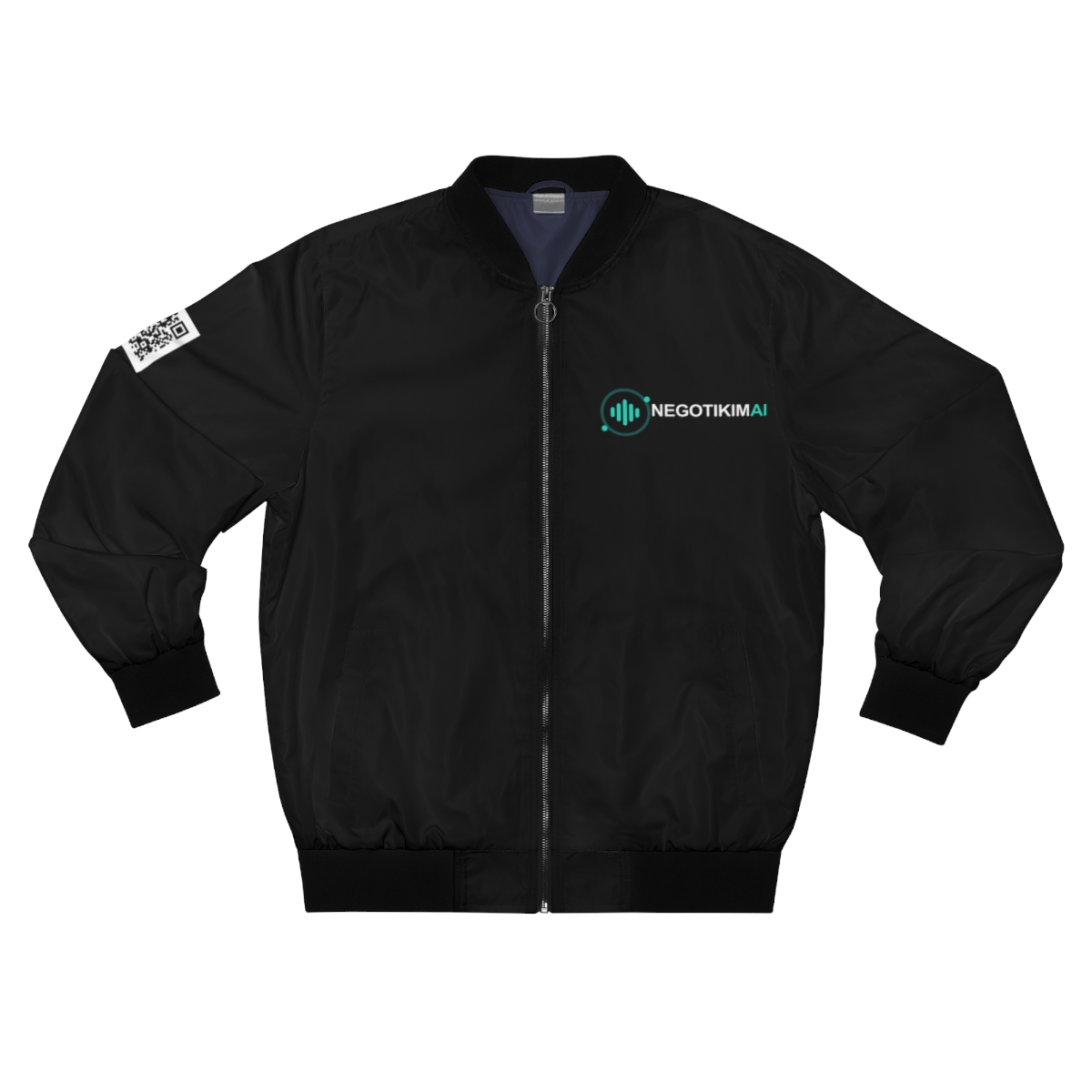
BLACK · XS–5XL
A zip-front bomber with the NegotiKim AI logo on the chest and a QR code on the right sleeve.
Shop the jacket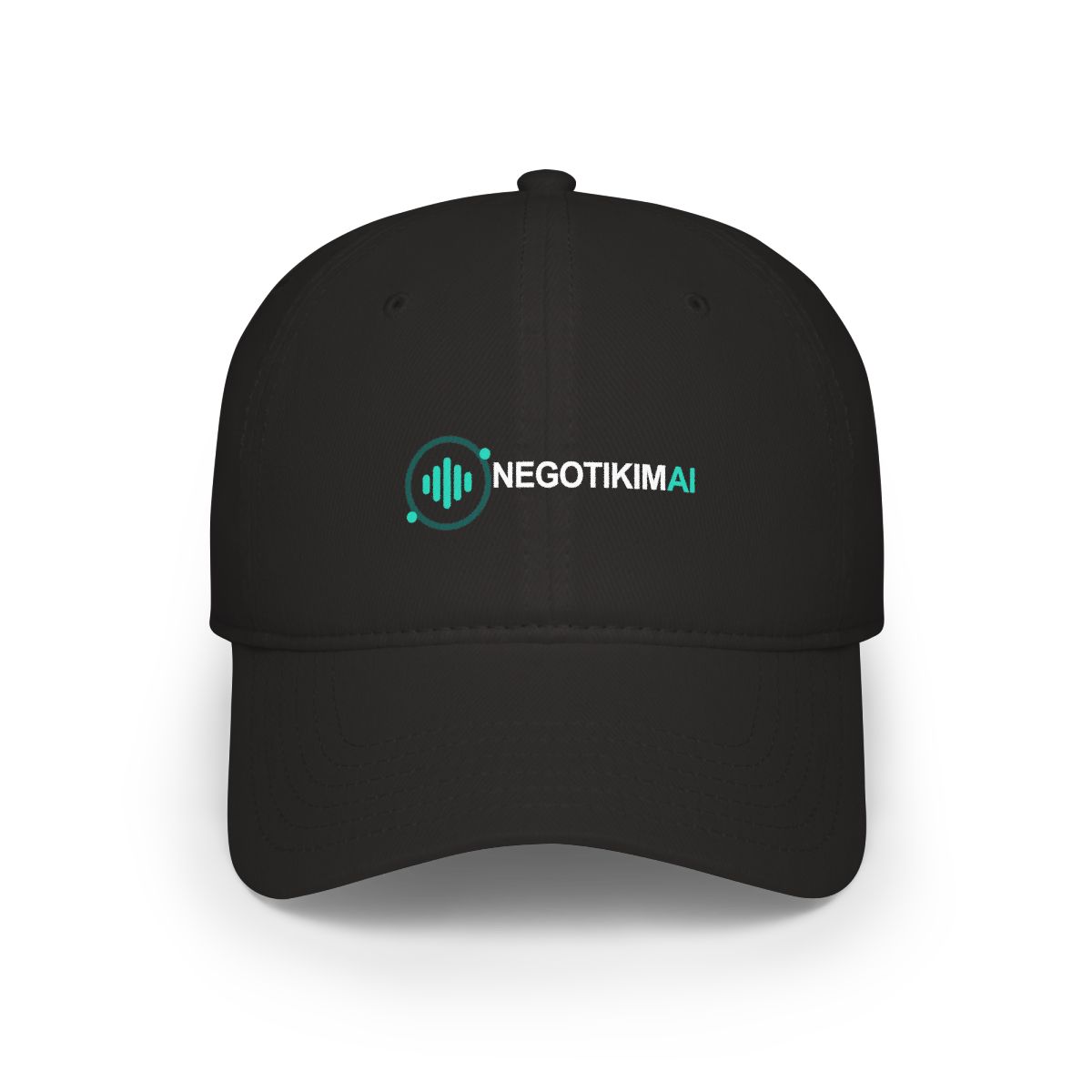
BLACK · ADJUSTABLE
A low-profile cotton cap with our centered logo printed on the front.
Shop the cap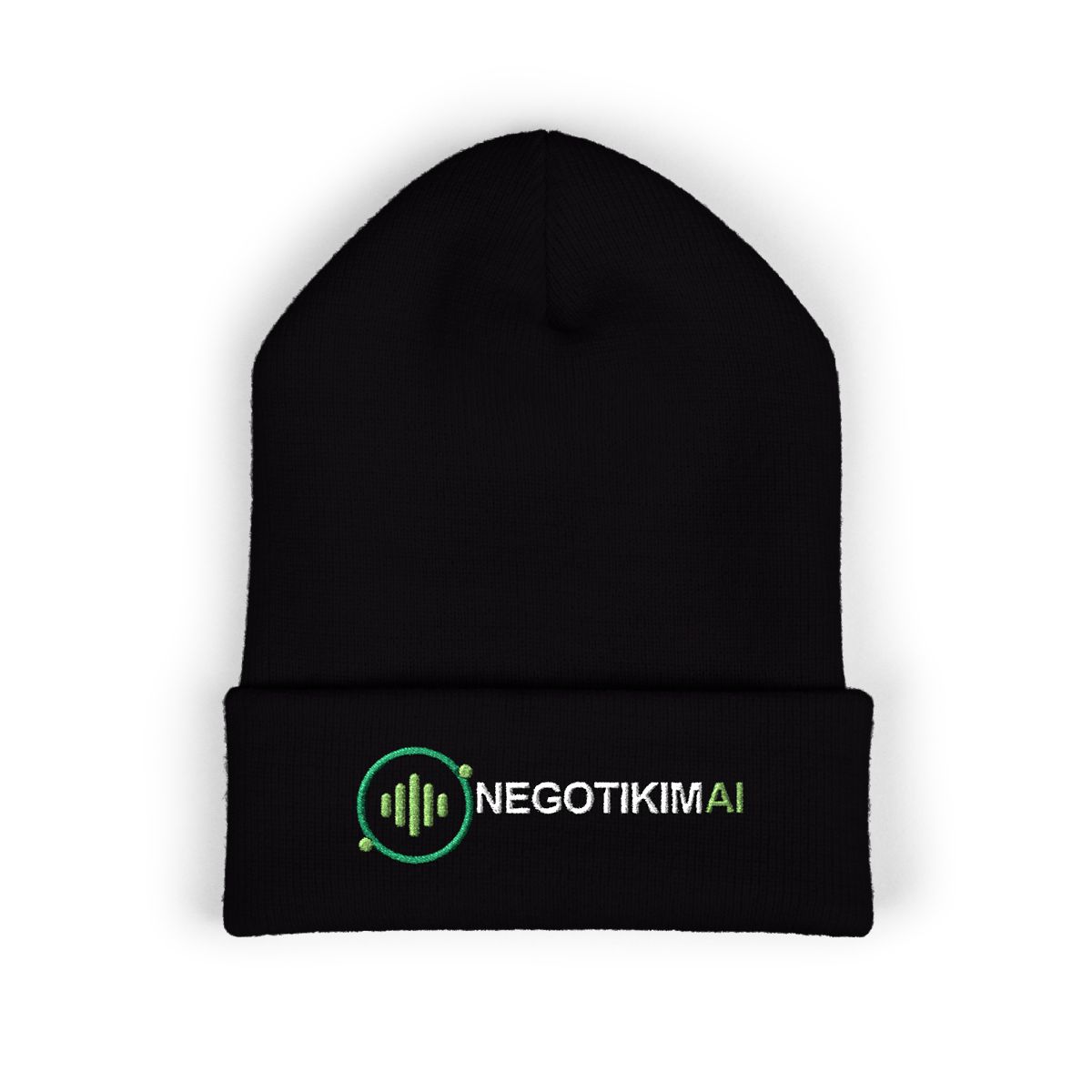
BLACK · ONE SIZE
A cuffed winter beanie with embroidered NegotiKim AI branding. Logo only, with no QR code.
Shop the beanie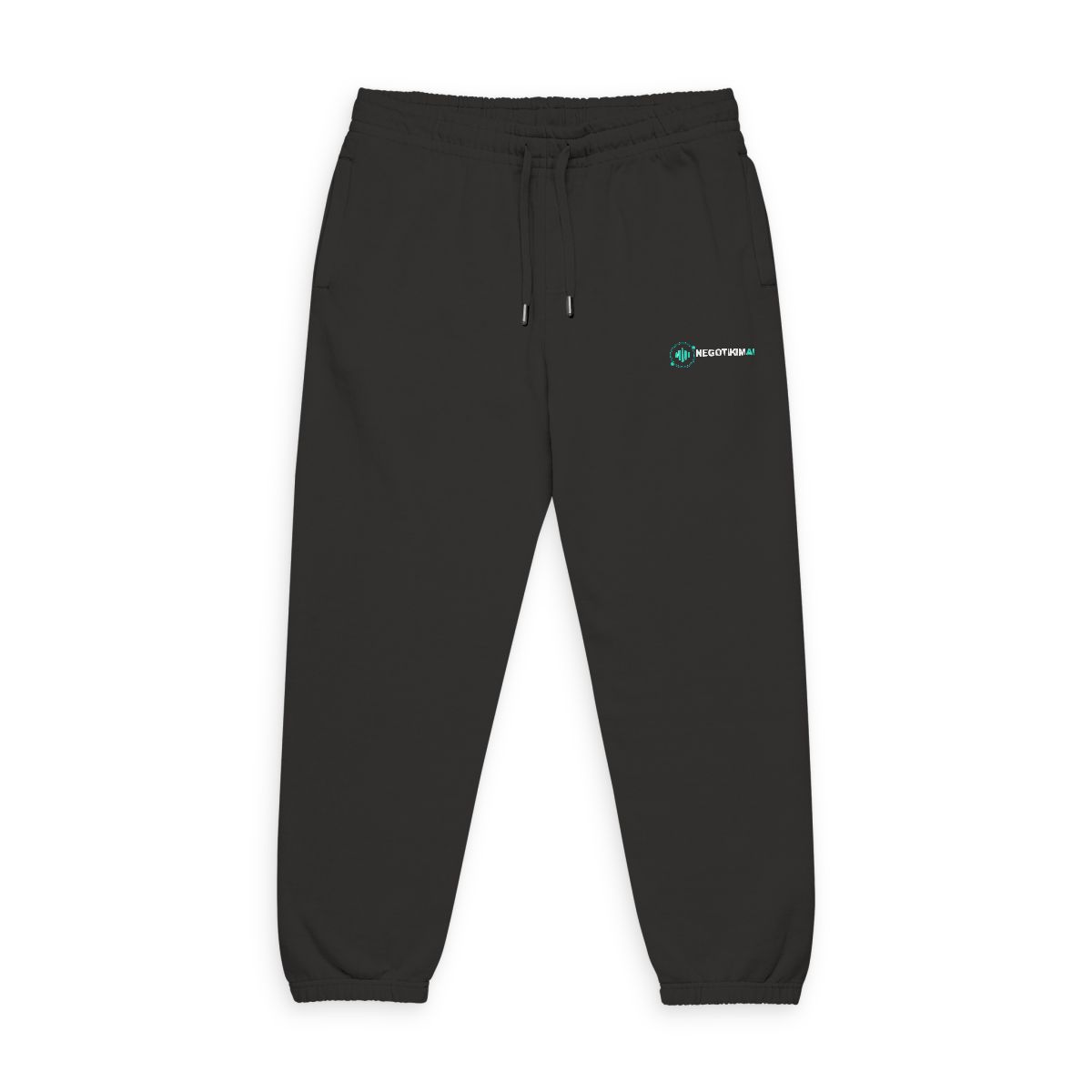
BLACK · XS–3XL
Relaxed-fit heavyweight fleece with internal YKK zippered side pockets and our logo on the left leg. Check the shop for available sizes.
Shop zip-pocket pants
BLACK · S–5XL
Fleece joggers with a logo on the left leg. Image shown is a design preview; placement and color may vary slightly.
Shop the sweatpants
BLACK · S–5XL
A cozy pullover with a double-lined hood and kangaroo pocket.
Shop the hoodie
BLACK · S–5XL
The everyday original. Classic unisex fit, with our signature artwork.
Shop the teeChoose your size and see current pricing, availability, and delivery options in our Printify store.
Release updates
Sign up for updates from Kim Tech LLC, or pre-register on the App Store for Apple’s release notification and automatic download.